Copy questions between your evaluations
If you have multiple evaluations, you may be able to copy personalized questions between your evaluations if allowed by your Blue administrator. This can save you a lot of time and effort in rewriting applicable questions that you have added to previous evaluations.
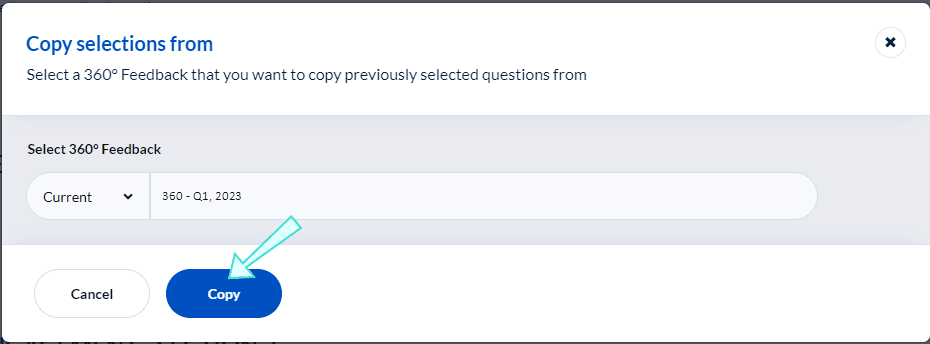
Copy selections from
If you have already completed a question personalization task for a different evaluation, you can copy the same selections and personalized questions from that evaluation to the one you are currently completing.
- Click Copy options from the Question Personalization menu.
- Select Copy selections from . A window will appear named Copy selections from.
- Search for the evaluation name you wish to copy the questions from and select it.

- Select Copy to finalize the process.
- Review the task with the copied questions before submitting.